Software-OK
≡... News | ... Home | ... FAQ | Impressum | Contact | Listed at | Thank you |

  
HOME ► Micro-Staff ► AutoPowerOptionsOK 6.31
Click on the image to see it full size,
with next click on the big picture back to picture index!

or: ... back to AutoPowerOptionsOK
AutoPowerOptionsOK AutoPowerOptionsOK1 AutoPowerOptionsOK2
... back to AutoPowerOptionsOK


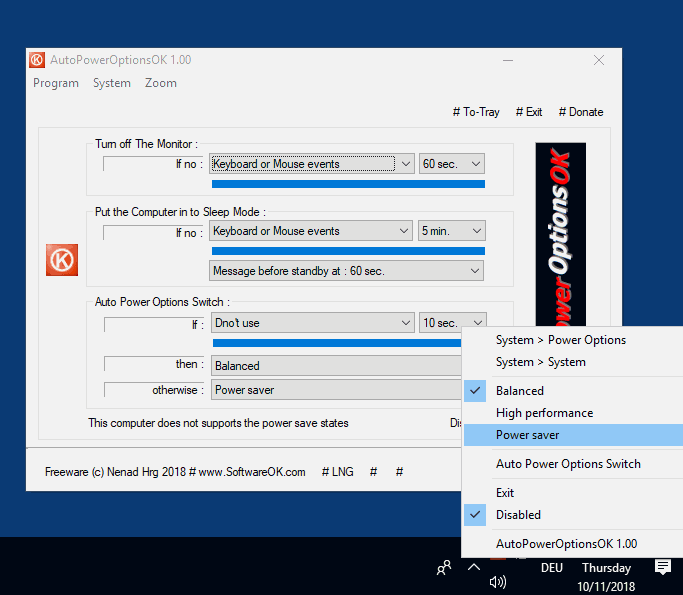
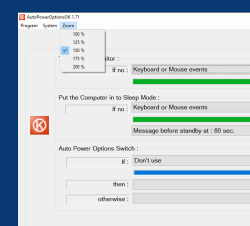
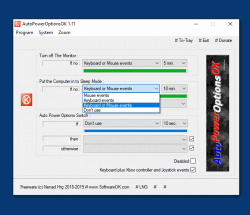
AutoPowerOptionsOK is a very small portable program that allows you to switch your computer from the desktop directly, or the info area of the taskbar (to-tray), for quick access to the power options, and also auto change or adjust the power plan!


  + Freeware
  + Order on the PC
  + File management
  + Automation
  + Office Tools
  + PC testing tools
  + Decoration and fun
  + Desktop-Clocks
  + Security

  + SoftwareOK Pages
  + Micro Staff
  + Freeware-1
  + Freeware-2
  + Freeware-3
  + FAQ
  + Downloads


Home | Thanks | Contact | Link me | FAQ | Settings | Windows 10 | gc24b | English-AV | Impressum | Translate | PayPal | PAD-s

 © 2026 by Nenad Hrg softwareok.de • softwareok.com • softwareok.com • softwareok.eu
25.882 msec.


>> ☕ Buy SoftwareOK a Coffee ☕ <<


► How to connect a Bluetooth enabled device to Windows 10 computer? ◄
► What are the benefits of Safe Mode in Windows 10, 11 and 12? ◄
► Disable animations in the Windows 10 / 11 Taskbar and Settings, How-To? ◄
► Auto Run a program when Windows 10/11 starts, how to? ◄


This website does not store personal data. However, third-party providers are used to display ads,
which are managed by Google and comply with the IAB Transparency and Consent Framework (IAB-TCF).
The CMP ID is 300 and can be individually customized at the bottom of the page.
more Infos & Privacy Policy

....